Bookmark links as work inspiration
Keep the articles, tools and references you stumble on, in a place that still makes sense six months later.
You're three tabs deep in something else when you hit a page worth keeping. Not now — later, when you're actually working on the thing it's about. So the tab stays open, and then the browser restarts, and it's gone.
Saving it in Mindnodes is two clicks, and you get back something a bookmarks folder never gives you: the link sits next to the work it belongs to, and it comes back when you look for what it was about rather than what it was called.
Set up once
One category, so your saved links are a thing you can filter on later. Open settings, go to Categories, and add one called Inspiration with an icon you recognise. Half a minute, once, and never again.
Areas you already have: a new account starts with Work and Family. Work is where these go.
The loop
-
Copy the link
In your browser, copy the address from the bar, or right-click the link you want and copy it. You never have to open the page you're saving. -
Switch to Mindnodes
Wherever you land, the create form opens over it. Nothing to hunt for, nothing to navigate to. -
Paste
Paste it in the box. Mindnodes fetches the page, pulls out its title, description and image, and shows it as a card under the field. The page's own title becomes the name, so there is nothing to type.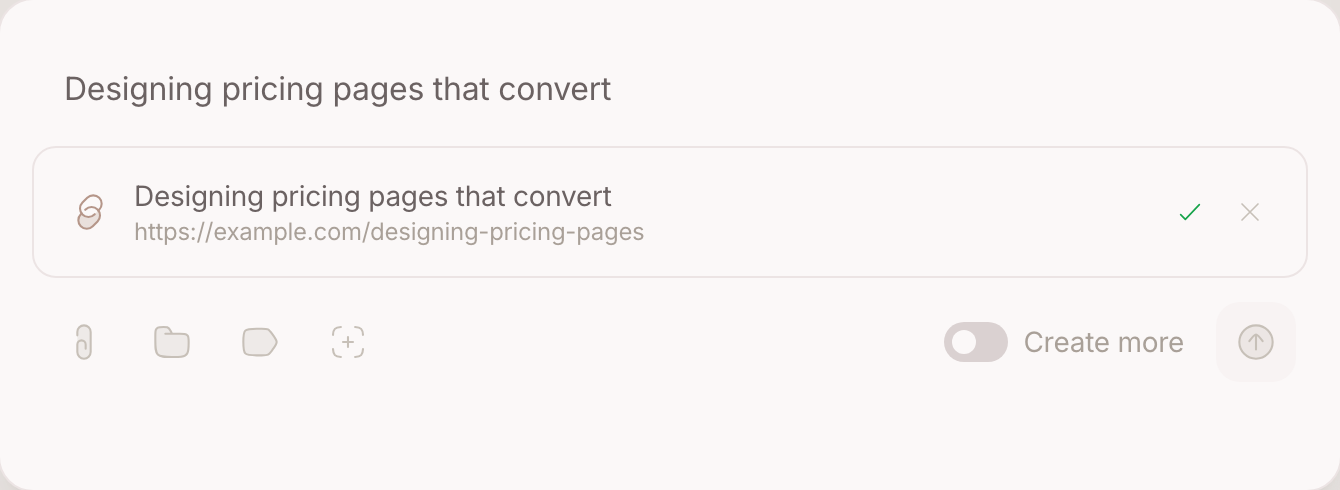
-
Tag it without leaving the field
Type # and the area picker opens; type + and the category picker does. Pick Work and Inspiration and the characters vanish again — your hands never leave the keyboard. The two icons under the field do the same thing for a mouse.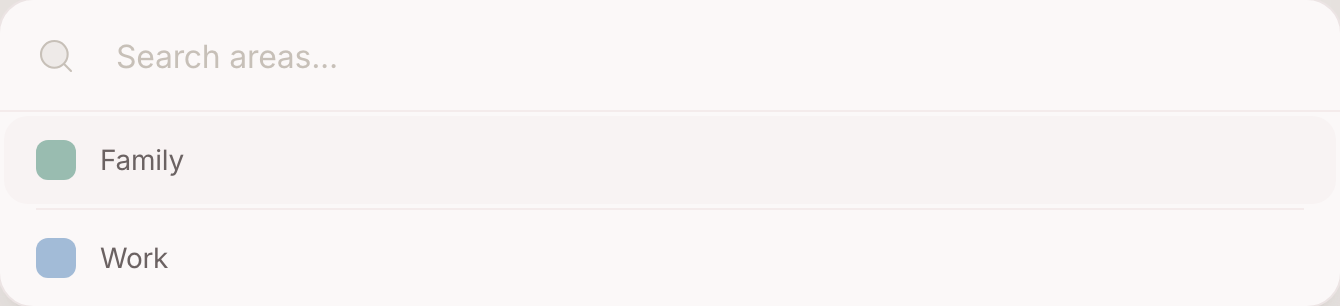
-
Create
The link becomes a node with the page attached to it. It joins the list below the box, the box clears itself, and you're already in position for the next one.
Where your second brain helps
A saved link is a node like every other, which is the whole point. It carries an area and a category, it can be related to the project it feeds, and it turns up when you search for the subject rather than the title. Ask your second brain what you've collected on something and it reads across the lot, including the pages you saved and forgot.
Going further
Turn it into a board. The Media page shows every node that carries an image, a video or a link as a grid of cards, newest first. Filter it to Work and you have an inspiration board you didn't have to build.
Save the filter as a lens. Narrow a page down to Work plus Inspiration, then save it. The lens gets its own name, icon and colour, and it's one click away from then on.
Wire it to the work. Relate a bookmark to the project it's for. Six months later you open the project and the references are sitting there, instead of in a folder you'd have to remember to look in.