Calendar events
How an event arrives, four ways to make one yourself, and how to hang it on the nodes it belongs to.
Overview
Thursday, mid-afternoon, an invitation lands: a name you half recognise, a date three weeks out. On a calendar that is a block on a grid; in Mindnodes it is also a source, like a mail or a photo — something that exists in its own right and can hang on any number of nodes, so the meeting ends up connected to the client it is about. Events arrive from the calendars you connected, and you can make them yourself.
How an event arrives
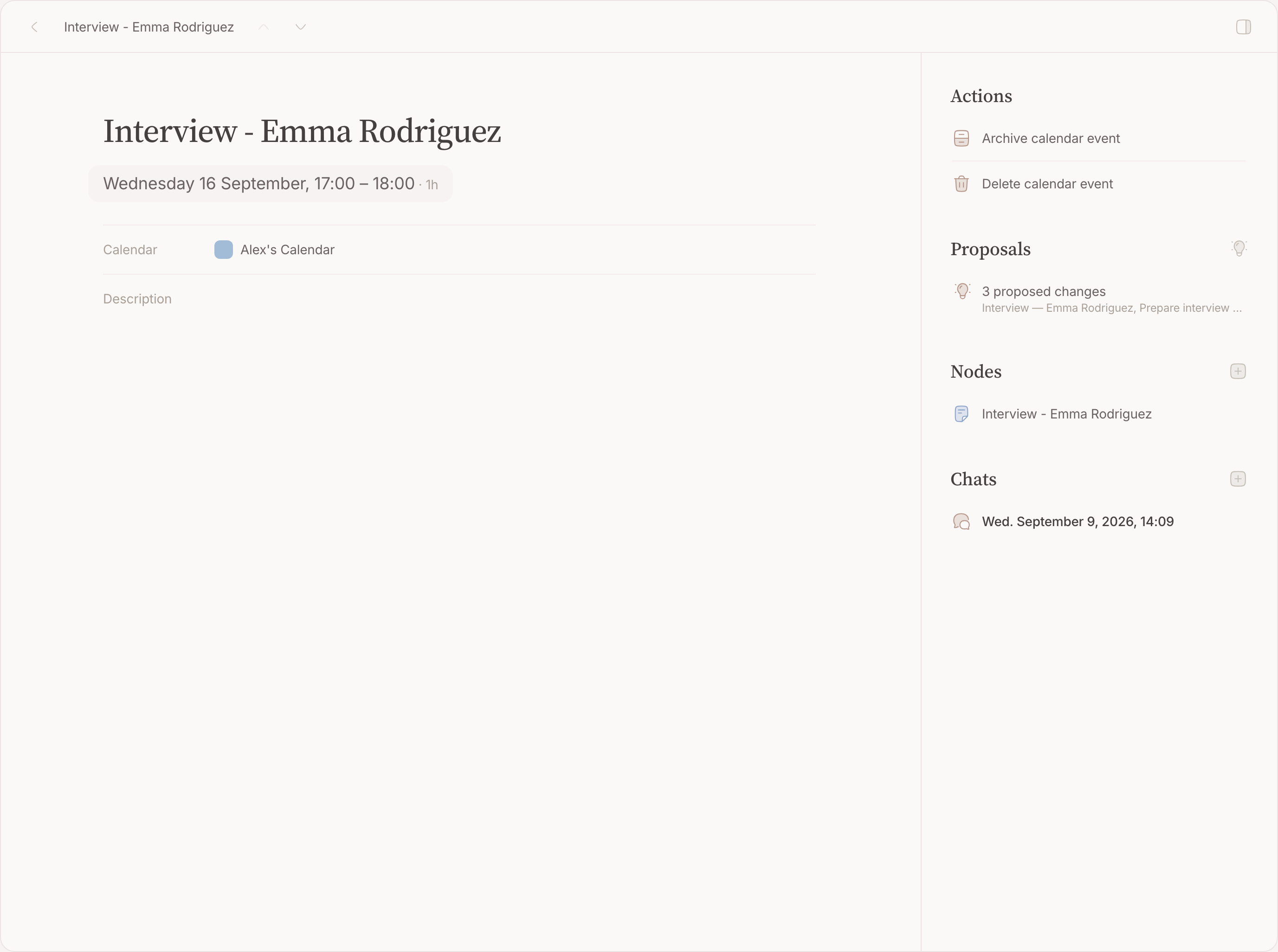
Every upcoming event on a calendar you connected is filed as an Inbox item, in the order it reached you, and read by your second brain before you open it — whatever it works out waits as a proposal for your yes, covered later in this guide. Events that already ended never arrive, so connecting a calendar does not bury you under a year of history. A recurring series arrives as one item with one page, not one per occurrence, so what you hang on it belongs to the series.
Making one yourself
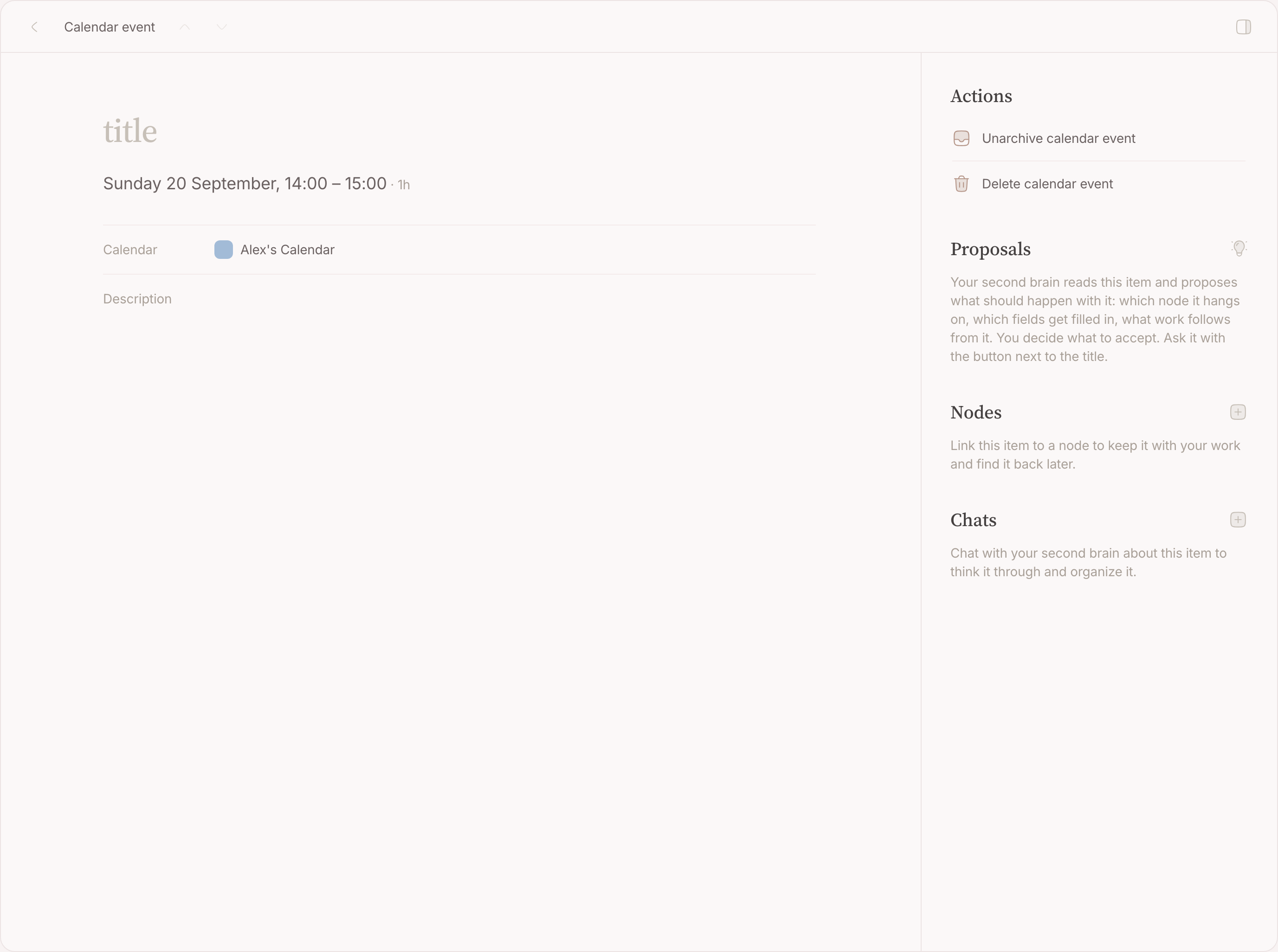
There are four ways, and two of them leave the event nameless — those open it on its own page with the caret in the name field.
Draw one on the grid
- Press in a column at the hour it starts, and drag down to the hour it ends.
- On a touchscreen, press and hold first — without the hold, dragging scrolls the grid.
- Let go. The event exists and opens on its own page.
- Type the name. It saves when you leave the field.
Use the New event button
New event sits beside the lens in the topbar, and in the page's actions ( ⌘K ) beside Create node and Add location . It takes the next hour and opens the same page.
Use it when there is no free stretch of grid to draw on, or on a phone.
Drag a node onto the grid
Drag a row from Top of mind — the handful you keep in view in the sidebar, covered later in this guide — onto the grid. It becomes a block as long as the node's duration says, or an hour if it has not said (all day in the month view), already linked to that node, and takes the node's name. This one does not open afterwards: it arrives named.
Let your second brain propose one
Your second brain can propose an event — travel time before a meeting elsewhere, a preparation block before a big one. It is drawn dashed until you carry out the proposal it is in, on the event itself or from your Inbox , and cannot be dragged while it waits.
Linking an event to nodes
From the event
- Open the event — from the grid, or from the Inbox.
- Open the Nodes field.
- Press Enter to keep the event's own title as the name of a new node, or type another name. Matching nodes you already have appear underneath as Similar nodes .
- Pick one of those to link the event to it, or create the new node with the name you typed.
- Set an area and a category if the new node needs them, in the same panel.
From the node
On a node, open the + beside Sources and pick Calendar event . Your events are listed to choose from. Useful when the node is the thing you have open.
Unlink
Each linked node has an unlink button on its row. Unlinking removes the connection only — the event stays on your calendar, the node stays where it is.
Which node should it be?
This is a judgement, not a mechanism, and it is the question most people hesitate over. Three steps, in order, and most events are settled by the first two.
Is it reserved time?
An hour blocked for a task, the weekly groceries run: cancel the block and the thing it served still stands. The event hangs on that thing — the task, the shopping list — and no new node is made. Everything else is an occasion : cancel it and the thing itself is gone. Only the calendar has this question; nothing else blocks hours.
Does something go in, or come out?
For an occasion, one test decides. Preparation goes in : questions, an agenda, a quote. A residue comes out : an outcome, minutes, photos, the memory of who was there. Either one earns the occasion a node of its own. Neither makes it an activity — the event hangs on the standing thing it serves, or on nothing at all.
Six pairs, an activity against a thing of its own:
- Haircut against Appointment with Dr. Sanders — nothing to prepare at the barber and nothing comes out of it; at the doctor, both.
- School run against Parent–teacher meeting — the drive is identical every time; the meeting has questions before and an outcome after.
- Orzo against Breakfast at Villa Saporis — the dish is the thing you keep; the breakfast happened once, with people and a place worth keeping.
- Groceries against Quarterly review with Delta Services — the shopping list belongs on the store run you already keep; the review has an agenda and minutes.
- Gym against Sam and Jo's wedding — sessions are interchangeable; the wedding takes preparing and happens once.
- Bins out against Milo fits the charging station — repetition without content; the installation has a quote, a price and follow-up.
Two quicker versions of the same test:
- Could this time swap with last time? If nothing would be lost, nothing distinguishes it, and there is nothing to write on a node.
- Does it have a proper name? A name you would say to someone else — "Sam and Jo's wedding" — belongs to a thing. A date added only to tell copies apart — "Haircut, 14 August" — gives an activity away. But when the turn itself passes the test, the date simply is the name: "Appointment with Dr. Sanders, 14 August" is a thing, the way "Tomorrowland 2025" carries its year.
What is it about?
An event hangs on the thing it is about — not on whoever appears in it. Take a doctor's appointment. It arrives twice: this event, and a confirmation mail. Both are about the same thing, that one visit, so both hang on one node — "Appointment with Dr. Sanders, 14 August" — and what you want to discuss goes in that node's content. Two items converging on one thing is itself the sign that the thing deserves a node.
The doctor is in the appointment, not what it is about. Hanging every event on the doctor's node is filing a wedding photo under "photographer": keep the doctor as a node of her own, let each visit be its own node, and the relations collect them.
And if it repeats?
Three shapes, and the two tests above pick between them: repetition without content is archived unlinked, interchangeable turns pile onto the standing node they serve, and a turn that passes the test is an edition — its own node, named by its year, related to the thing itself. "Tomorrowland 2025" is what everyone calls it, not a date added to tell copies apart. The three shapes in full, with examples, are on Sources .
Where the event lands
A new event goes to your default calendar, and creating one on a calendar makes that the default for the next. With several writable calendars, make one event where you want them and the rest follow.
FAQ
Why does a drawn event open, but a dropped node does not?
A drawn event has no name yet, and the only field that finishes it is on its page. A dropped node arrives named, and you are usually dropping a second one right behind it.
Can I create an event on someone else's calendar?
Only on calendars you have write access to. The rest are visible but read-only.
Does linking archive the inbox item?
No. Linking and archiving are separate: link as often as you like, and archive when you are done with the item. See Inbox .
What happens to my links when a meeting moves?
They stay. A reschedule brings the item back to your Inbox to be read again, but nothing you linked is undone.