Keep track of people
Who they are, what you last talked about, and everything that turned out to be connected to them.
You met her at a conference in March. She runs data for a logistics company, she was the one with the strong opinion about warehouses, and she said to mail her in the autumn. It is autumn. You have her name and nothing else.
The fix is not a CRM. It is one page per person that you add to whenever something happens — and, more importantly, that the rest of your work hangs onto, so that opening her name shows you the project she is on, the mail she sent and the meeting where her name came up.
Set up once
Nothing. A new account already carries a Person category, with Group and Organization beside it for the team and the company she belongs to. Rename them, give them other icons, delete the ones you never use — they are yours. You do not have to touch any of it first.
The loop
-
Type the name
In the create form: Nadia Haddad , then a space and + , then three letters to find Person. The character is swallowed, the caret goes back where it was, and the button under the field wears the Person icon. Enter.
-
Say what you know, in your own words
Open her and you get a title, a Person label and an empty page. Write what you would have told a colleague: where you met, what she does, what she cares about, the thing you promised her. There are no fields to fill in — a person carries no phone number slot and no birthday slot, and that is the honest state of it today. What you write is what you get back. -
Hang her on the work
The add button beside Relations opens the same search-or-create field you know from the create form. Type the project, pick it, and the two are related. The link is not one-way: her page now lists the project, and the project's page lists her — which is what makes a name worth writing down at all.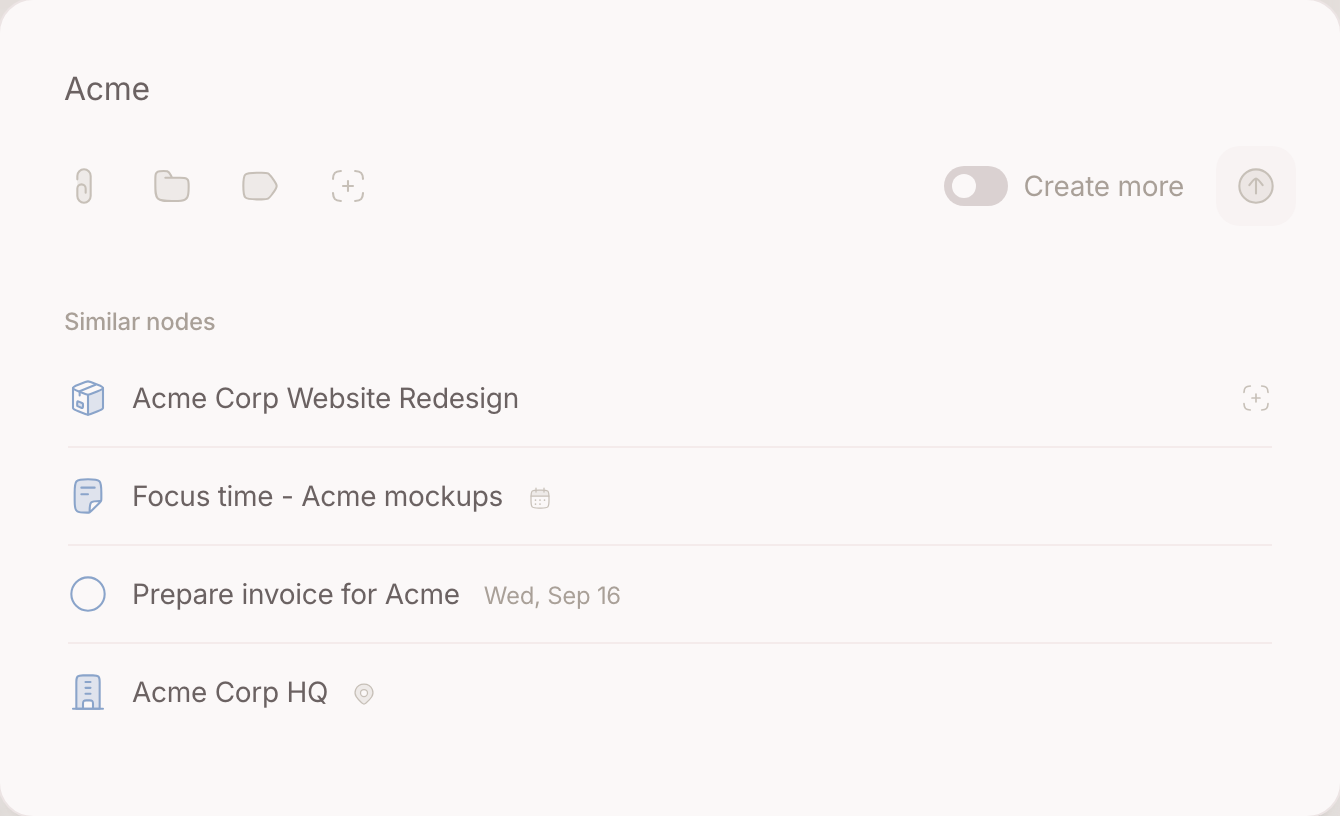
-
Hang her mail on her
The add button beside Sources asks what kind: a file, a chat, or one of the three you do not make but already have — a mail, a meeting, a place. Pick Email, type two words of the subject, Enter, and that thread is on her page. It stays in your inbox as well: linking is not filing, and an item leaves the inbox only when you archive it. -
Or let the inbox do it
The same link, made from the other end. Working through the inbox, each item is one decision — put it on the node it belongs to and move on. Whichever end you start from, the mail ends up in the same place: under Sources on her page, with its own reply and archive actions right there. -
Come back to her in autumn
Start typing her name anywhere a node can be written — the create form, the field on a list, the search — and the rows underneath narrow as you type. Open her, and everything that ever attached itself to her name is on one page. -
Fix the double
You will type the same name twice. When you notice, open one of them and use Merge node: pick the other, and the two become one, keeping what both carried. It is the cheapest way to be sloppy on purpose — capture first, tidy when it bothers you.
Where your second brain helps
A person is a node like everything else, and that is what makes the rest possible. Mail, meetings and notes attach to the same page, so asking your second brain what you owe someone is a question about one thing rather than a search across four. What it works out is never written behind your back: proposals wait in your Inbox until you carry them out or let them go.
Going further
Keep the handful that matter in front of you. Five or six people are live at any moment — your manager, the client, the contractor. Keep them top of mind and they stand in the sidebar, under the compose box, in the handful you read every morning.
Give the meeting a node of its own. Notes from a call belong on the call, not on the person: a node for the meeting, related to her, with the calendar event hanging on it. Her page then collects the meetings through its relations — a history you can walk back — while what is true of her in general stays on her own page. The judgement in full is on Calendar events .
Publish her page for the colleague who needs it. Publish node puts one page on the web and hands you the link to send on. What you know about a supplier is usually more useful to your colleague than to you.