Areas & categories
The two labels a node wears — which part of your life it belongs to, and what kind of thing it is — and the properties that kind brings with it.
Overview
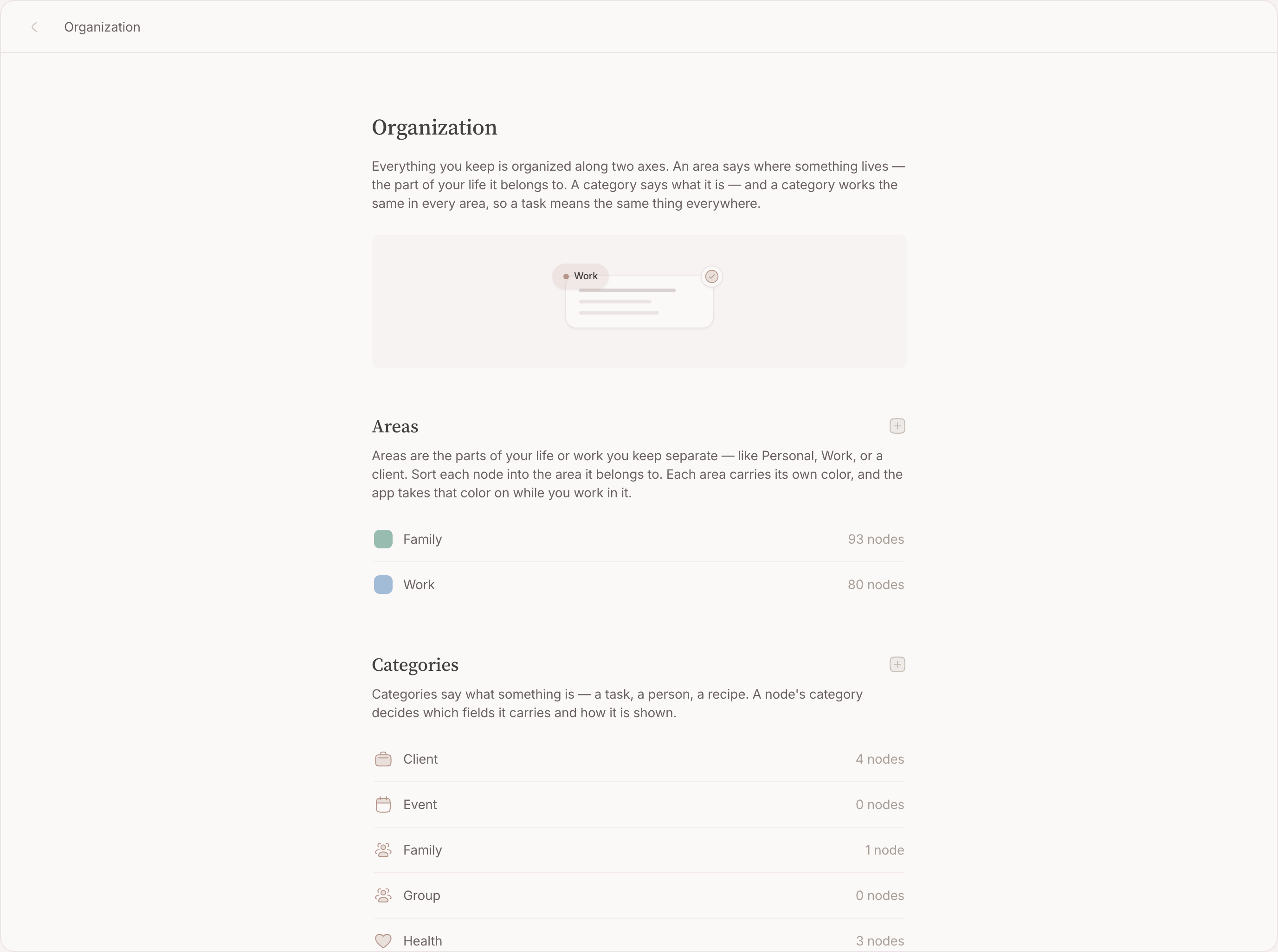
Sunday evening you do not want to see the client meeting, and Monday morning you do not want to see the restaurant. That split — which half of your life something belongs to, and what kind of thing it is — is what a node's two labels carry. An area is the part of your life it belongs to. A category is what kind of thing it is — and what fields it carries, because properties hang off the category. The restaurant is a Location in Family; the client meeting is an Event in Work, and each shows up exactly when you are looking for its half.
A new account starts with two areas — Work and Family — and six categories: Task, Event, Location, Person, Group and Organization. Every one of them is yours to rename, recolour or delete.
Both labels are deliberately coarse, and both are optional. An area is not a folder and not a project: it answers "which half of my life is this", so that a filter on Work can leave your weekend alone.
Areas
Set one while you write
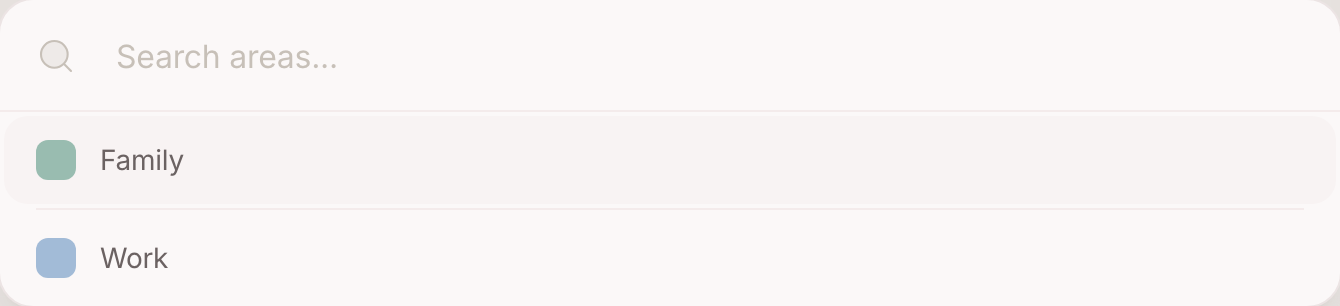
In the create form, type a space and then the area accelerator, then a few letters of the name. The character is swallowed, the caret stays where it was, and the button under the field wears the area you picked. Enter, and the node is filed as it is made.
Change it afterwards
On the node page, the area sits with the other pills under the title. Click it to pick another, or add a second: a node can sit in more than one area when it genuinely belongs to both.
Manage them
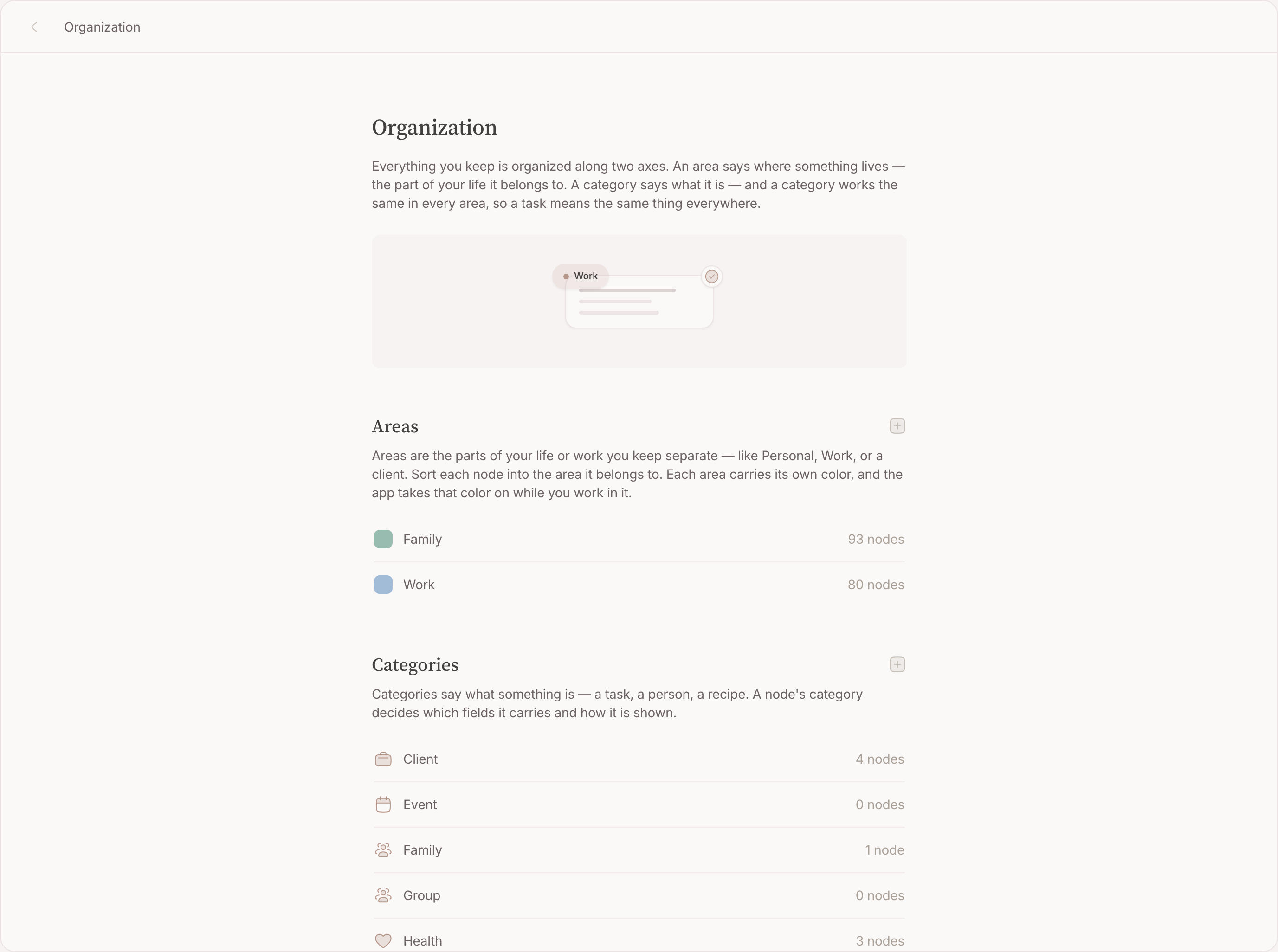
Settings holds the list: rename an area, give it another colour, add one, remove one. Colour is not decoration — it is what makes a map or a graph readable at a glance.
Where an area shows
- On the map — a pin takes the colour of the area of the node behind it, so Work and Family are two colours on one map.
- In the graph — the same colours, on the dots.
- As a filter — every list, board, calendar and map can be narrowed to one area, and that narrowing can be kept as a lens .
Categories
The six an account starts with:
- Task — the only starter category that arrives with properties switched on.
- Event — a thing that happens: drinks on Friday, a festival, a conference.
- Location — a place worth keeping.
- Person , Group and Organization — the people, the team, the company.
Set one while you write
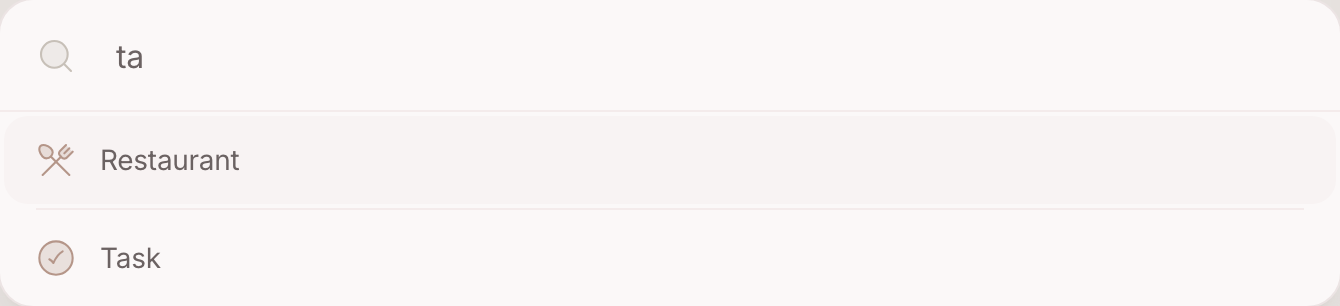
In the create form, type a space and then the category accelerator, then two or three letters. The character is swallowed and the button under the field wears the category's icon. Enter, and the node is made as that kind of thing.
Make your own
Settings → Categories, then the plus beside the heading: a name and an icon. Make Recipe, Trip, Festival, Playground — whatever you actually sort by.
Properties
Switch one on
A property is enabled per category, and every node in that category gets it. Four exist:
- Status — the columns on a board, and the circle you tick on a row. A node with a status is a to-do by definition: it can be ticked off, and it stops asking for your attention when you do.
- Priority — what sorts a list, highest first. A node without one sorts under the ones that have it, which is the point: you set a priority precisely to jump the queue.
- Due date — when the world needs it, not when you intend to do it. Overdue, due today or due tomorrow, and it stands in Top of mind — the handful you keep in view in the sidebar, covered later in this guide — without you lifting a finger.
- Duration — how long you expect it to take, and how long the block becomes when you drag the row onto an hour. An hour, if it has not said.
Task arrives with all four. Switch them on somewhere else and that category starts behaving the same way — a Recipe with a duration, an Event with a status.
Tick a status off
Click the circle in front of the row. It fills in, and the node stops asking for attention. The same click again reopens it. The circle is the way on a phone too — a target you can see, which is why ticking something off is not a swipe.
Fill one in
On a node, the properties sit as pills under the title. While writing, the property accelerator in the create form offers the same fields before the node even exists — pick a due date and it joins the box as a pill that Enter keeps.
Which label, and when
Give a label when the answer is obvious, and skip it when you would have to think — a plain node is fine.
- The category is the noun. Ask "what is it?" and give the one word anyone would use: the appointment with Dr. Sanders is an Event, the follow-up it leaves behind is a Task, the doctor is a Person. The noun is what brings behaviour — a task gets a status and a due date, and a lens can hold every person at once.
- The area is the part of your life. Deliberately coarse and deliberately few — Work, Family, whatever you split by. If the two labels blur, ask which one you would filter a whole week's work by: that is the area.
Each label invites its own mix-up, and a test catches each:
- A category is a kind; a thing is a node. "Recipe" is a kind — many nodes are one, and you filter on it. "Tomorrowland" is a thing — it has its own page, its own relations, its own story. If the label you are about to make would have content of its own, it was a node: make it, and relate to it. And a category is never a state or a rank — "urgent" and "done" are properties, not kinds.
- An area is a part of your life; a subject is a node. The moment you reach for a new area per project or per client, it was a node. Areas stay a handful; the graph carries the subjects.
A new category earns its place on one question: will you filter on it, or should it carry fields? Otherwise the noun was not needed.
Wrong, and right:
- Not a category "Urgent", but priority, set on the task. A state is a property, not a kind.
- Not a category "Tomorrowland", but a node, related from each year's trip. A label with content of its own was a node.
- Not an area "Bathroom renovation", but a node, in the area Family. An area is a part of your life, not a project.
FAQ
Can a node have more than one area?
Yes. The create form sets one; the node page lets you add another.
Can a node have several categories?
Yes. A node can be both a Person and a Client if that is true of it, and it then carries the properties of both.
Do I have to use areas at all?
No. A node with no area is a normal node — it simply does not turn up when you narrow to one. Plenty of people run on categories alone.
What happens to my nodes if I delete an area?
The nodes stay. They lose the tag, and with it their colour on the map and the graph.
What happens if I delete a category?
The nodes stay and lose the label. Values they held for that category's properties go with it, so change the category before deleting if you want to keep them.