Nodes & relations
The graph the whole product rests on: what a node is, the note or guide it carries, when something deserves a node of its own, and the relations that connect them.
Overview
Most tools keep what you know in piles: the mails in a mailbox, the photos in a roll, the notes in a list — and the connections between them in your head. You know the dinner is for the client, and that the photo is of the venue; the piles do not. Mindnodes keeps the connections too. Everything you keep goes into one web — the kind of thing called a knowledge graph — where the things are points, what belongs together is actually linked, and finding something back is walking from one thing to the next the way you think.
Think of what today has already produced: the client who called, the dinner someone suggested for Friday, the thing you promised to send before five. Each of those is a node — one point in that web, one thing you keep. A node has a title, whatever you write under it, and everything you hang on it: a place, a mail, a photo, other nodes. Every other page in these docs is about something a node can carry.
There is one kind of node. What makes one behave like a task, a place or a person is the category you give it, not a different type of thing — so the dinner, the client and the promise all start the same way: as a sentence you wrote down.
Basics
Write one
- Press ⌘N from anywhere — or, on a list, use its own create node entry.
- Write it the way you would say it out loud. There is no project to pick first and no form to fill in.
- Add a category or an area while you type, with the two accelerators in the field. Both are optional.
- Press Enter. The node exists, the field clears, and you are in position for the next.
From anywhere else, the same form opens as a modal with ⌘N . While you type, the rows underneath narrow to what you already have — which is how you find out you wrote this same thing last week.
Open it
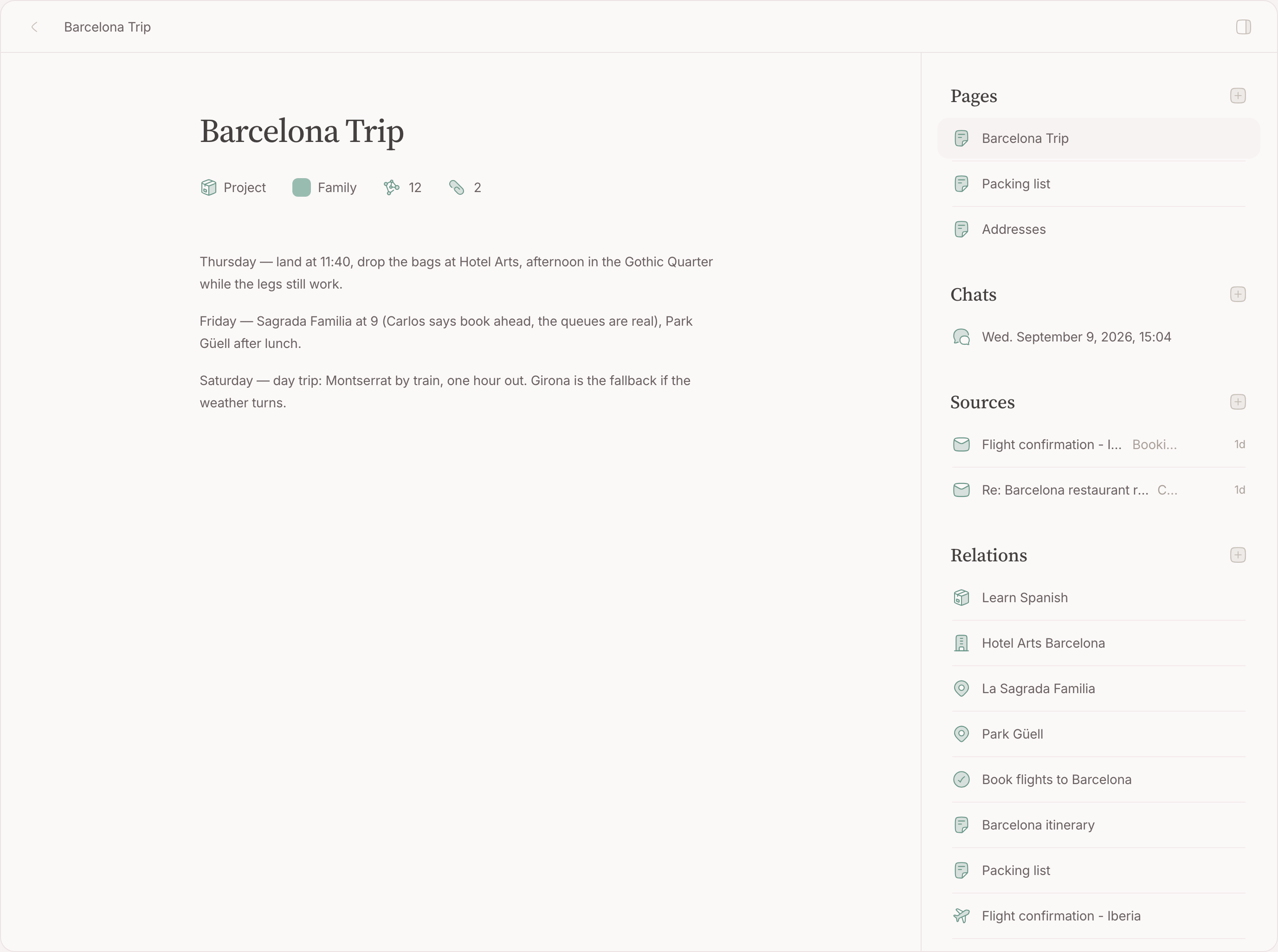
A node page holds the title at the top, the properties its category brings as pills under it, its note below, and a sidebar beside it with the three things it carries:
- Chats — the conversations you had on it, with your second brain; covered later, on Chats .
- Sources — the mails, events, photos and places hanging on it.
- Relations — other nodes this one has to do with.
Write on it
The note is rich text all the way down — headings, lists, checkboxes, links, images, files — and it saves as you type, syncing to your other devices without a save button. Most notes are exactly that: one page of writing, with nothing drawn around it.
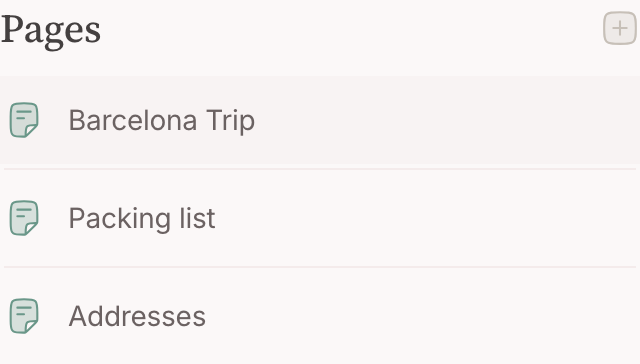
A note that outgrows one page becomes a guide : two or more pages. They are listed beside the writing, under Pages , so the shape of the whole — the trip itself, its packing list, its page of addresses — reads without opening anything. The first page is the note itself and stays on the node, under the node's own heading, so it needs no name of its own; every page after it carries a name and has an address of its own, so you can link straight to one. Add a page with the + on that heading: it goes last and opens for you to name. Reorder with a drag in the list — a page dragged to the top becomes the note, and gives up its name for the node's. Removing a page is one of that page's actions, listed beside it while you are reading it; it asks first and is permanent — a page is not a node, so there is no trash to fish it back out of — and removing down to one page turns the guide back into a plain note. Each page is a room of its own, so two people writing in different pages never type over each other.
Find it back
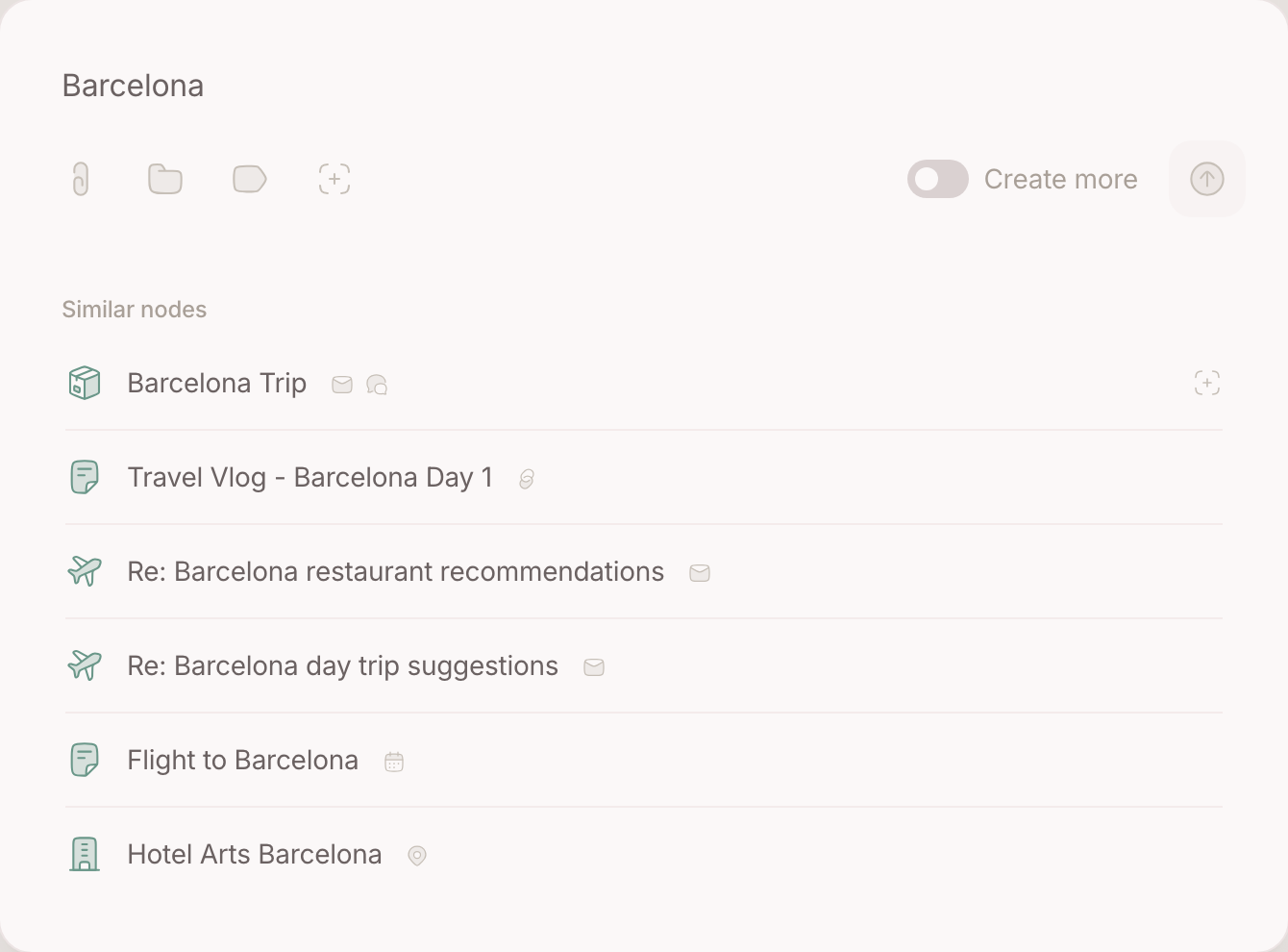
⌘F opens one field that does both jobs: it lists what you already keep as you type, and offers to make a new node from what you typed if nothing matches. That is the same field the create window opens with, on purpose — looking for something and writing it down are the same gesture, and the order matters. You see what exists before you add another one of it. Opened from a lens — a saved view over your nodes, covered later — it goes one step further: what you make there is filed the way that lens is.
Merge two
Wrote the same thing twice? Merge one into the other from the node's actions ( ⌘K ). Everything on the node you merge away moves to the one that survives: sources and relations come across, and the notes are appended page after page, so nothing written is dropped for having lost the merge.
When something deserves a node of its own
This is the judgement the whole app rests on, and the one people hesitate over. It has two answers:
- A thing of its own — drinks on Friday, an interview, a festival, a client. Nothing you keep stands for it yet, because the occasion or the person is the thing. Make a node.
- Something you already keep — the third mail about a running project, a meal you planned, an hour you blocked for a task. Hang it on the node you have rather than making a second one with the same name.
The test is one question: would you have written this down if it had never arrived? If yes, the node exists already — go find it. If no, and you still want it back later, it is a node.
The sharper version of the same test, for anything that happened or is about to: does something go in, or come out? Preparation goes in — questions, an agenda, a quote. A residue comes out — an outcome, minutes, photos, the memory of who was there. Either one earns a node. Neither, and it is an activity: it belongs on the standing thing it serves, or nowhere at all.
Two quicker versions, for when you are still hesitating:
- Could this time swap with last time? If nothing would be lost, nothing distinguishes it, and there is nothing to write on a node.
- Does it have a proper name? A name you would say to someone else — "Sam and Jo\'s wedding" — belongs to a thing. A date added only to tell copies apart — "Haircut, 14 August" — gives an activity away.
Inside the note: a page, a checkbox, or a node
The same boundary runs through what you write on a node, and it has three answers:
- A page when it is a part of the thing you are writing: the itinerary of the trip, the minutes of the project. It has no life outside the note — you would never search for it on its own.
- A checkbox when it is a step. "Order tiles" needs a checkmark inside the renovation's note, not a page beside it.
- A node of its own when it has a life of its own — its own mail and photos to hang, its own labels, its own progress. Relate it to the node it came out of.
The guard is the same one: would the part need its own sources, its own labels, or a meaning without the note? Not a node "Packing list" related to the trip, but a page in the trip's note — nothing will ever hang on a packing list. Not a page "Plumber" in the renovation's note, but a node for the plumber, related to the renovation — his quote arrives by mail and needs somewhere to hang, and he outlives this job.
The same test is asked in each kind\'s own words, with worked examples, on Sources and the five pages under it.
Relations
Relate two things that have something to do with each other: the meeting and the client, the recipe and the shopping list, the place and the trip. It is the one way nodes connect, and it is never one-way — make it from either side and both pages list the other.
Relating is what makes a second brain worth having. You will go looking for the trip long before you go looking for the café, and the relation is what puts the café in front of you when you do.
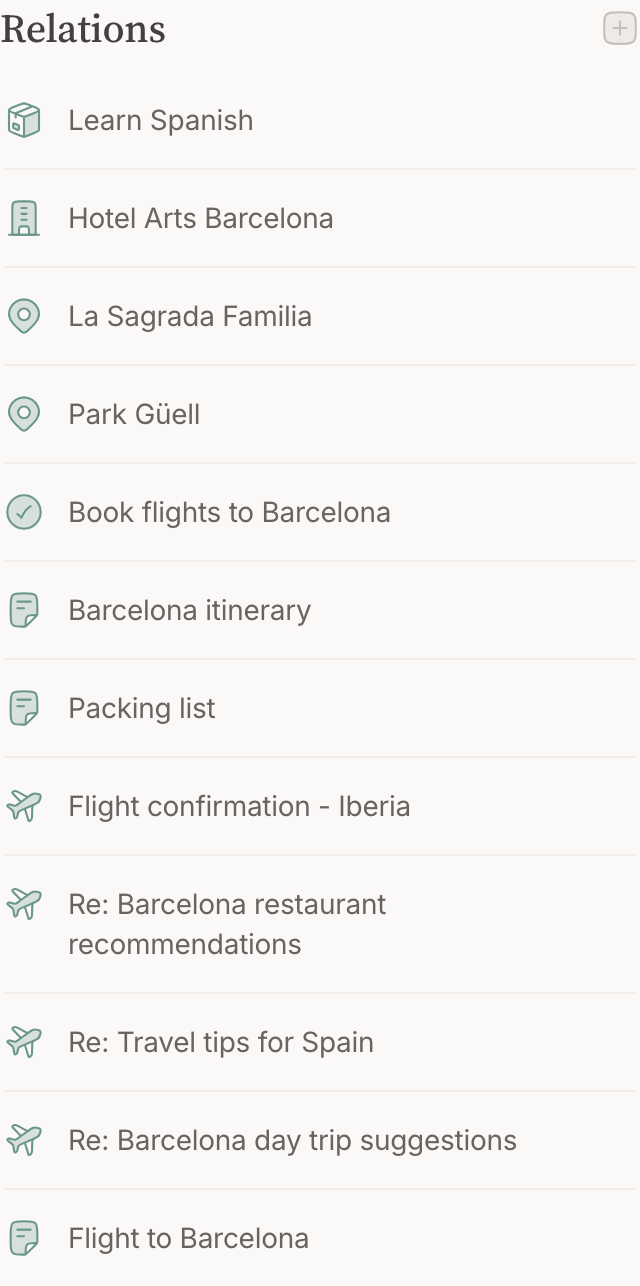
Make one
- Open either node.
- Use the + beside Relations .
- Type what it belongs to. This is the same search-or-create field your lists carry, so what you already keep is offered before anything new is made.
- Pick it. The link appears on both pages at once.
A relation is never one-way — make it from either side and both pages list the other.
Remove one
Each row carries its own unlink button. Removing a relation removes the connection and nothing else — both nodes stay exactly as they were.
FAQ
Can I rename a node?
Yes, and nothing breaks. If the node is published, its address follows the new title and the old one keeps working.
What happens when I delete one?
Its note goes with it. Sources hanging on it are unlinked rather than destroyed — a mail stays in your mailbox, an event stays on your calendar.
How many nodes is too many?
There is no number to stay under. A node you never open costs nothing; a thought you did not write down costs the afternoon you spend remembering it.
How many relations can a node have?
As many as it has. A client you have worked with for years ends up with dozens, and that page is then the history of the relationship.
Can I say what kind of relation it is?
No. A relation carries no label today: it says these two belong together, and the pages themselves say why.
Does my second brain make relations?
It suggests them. When it reads a meeting and recognises the client behind it, it proposes the link, and nothing happens without your yes — see Proposals , later in this guide.