MCP servers
Give your second brain tools beyond Mindnodes, and give other assistants your Mindnodes.
Overview
Your day does not run through one tool, and neither should your second brain. MCP is how Mindnodes talks to software that is not Mindnodes, in two directions:
- Out — connect a server and its tools become tools your second brain may use during a run or a chat.
- In — Mindnodes is itself an MCP server, so another assistant can read and change what you keep, with your permission.
Basics
Connect a server
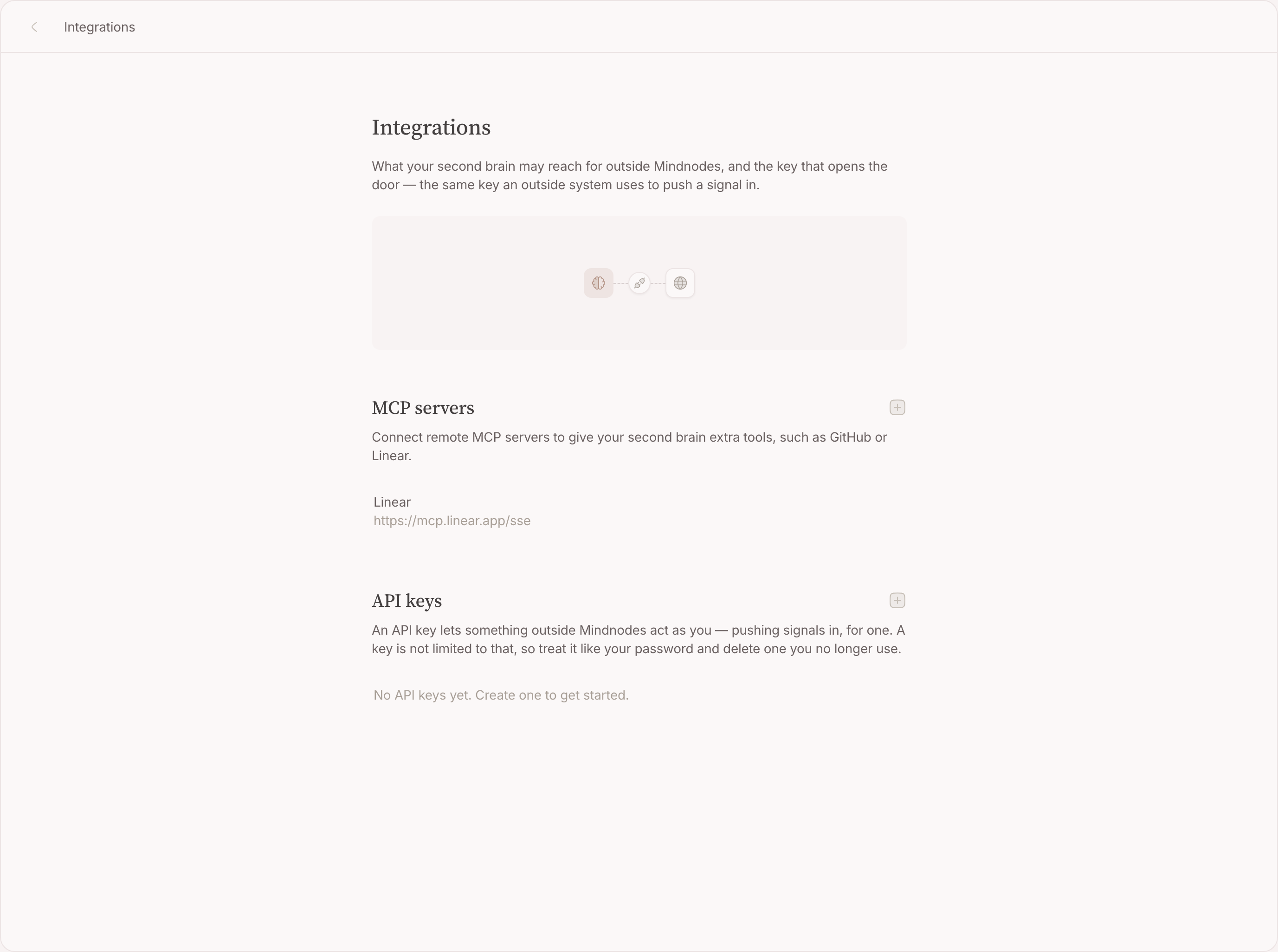
- Open Settings → MCP servers and add one by its address.
- Pick how it authenticates: nothing, a token you paste, or a sign-in flow the server hosts.
- Its tools are read once and kept, so a run does not pay for a round-trip before it can think.
Use Mindnodes from another assistant
Point an MCP client at Mindnodes and it can search your nodes, read a source, make a node, link things and read your inbox. The guarantee that matters holds here as it does for a reflex: reading is reading, and writing is proposing — nothing an outside assistant does lands until you carry out its proposal.
Remove one
Disconnecting takes the tools away from the next run. Nothing that was already proposed or carried out is undone.
FAQ
Does a connected server see all my notes?
No. A server you connect offers tools; it does not get a copy of anything. What travels is what a run sends when it calls one of those tools.
Which tools does a reflex get?
What its scopes allow, plus the tools of the servers you connected.