Photos, files and links
Attach anything to a node — from your camera roll, a drop, a paste or a URL.
Overview
Your camera roll already knows how today went: the whiteboard from the meeting, the label of the wine that was worth remembering, the screenshot you took "for later". The trouble is that a camera roll files by time, and you will come looking by subject. Media in Mindnodes is anything you attach to a node — a photo, a screenshot, a video, an audio clip, a document, a link — and like every other source it hangs on the node it is about rather than living in a folder somewhere.
Basics
Attach something
Four routes, all of them ending in the same place:
- Pick a file — from the sources section on a node.
- Drop one — drag it onto the node.
- Paste — a screenshot straight from your clipboard.
- Paste a URL — the link is kept as a source, with what the page says about itself.
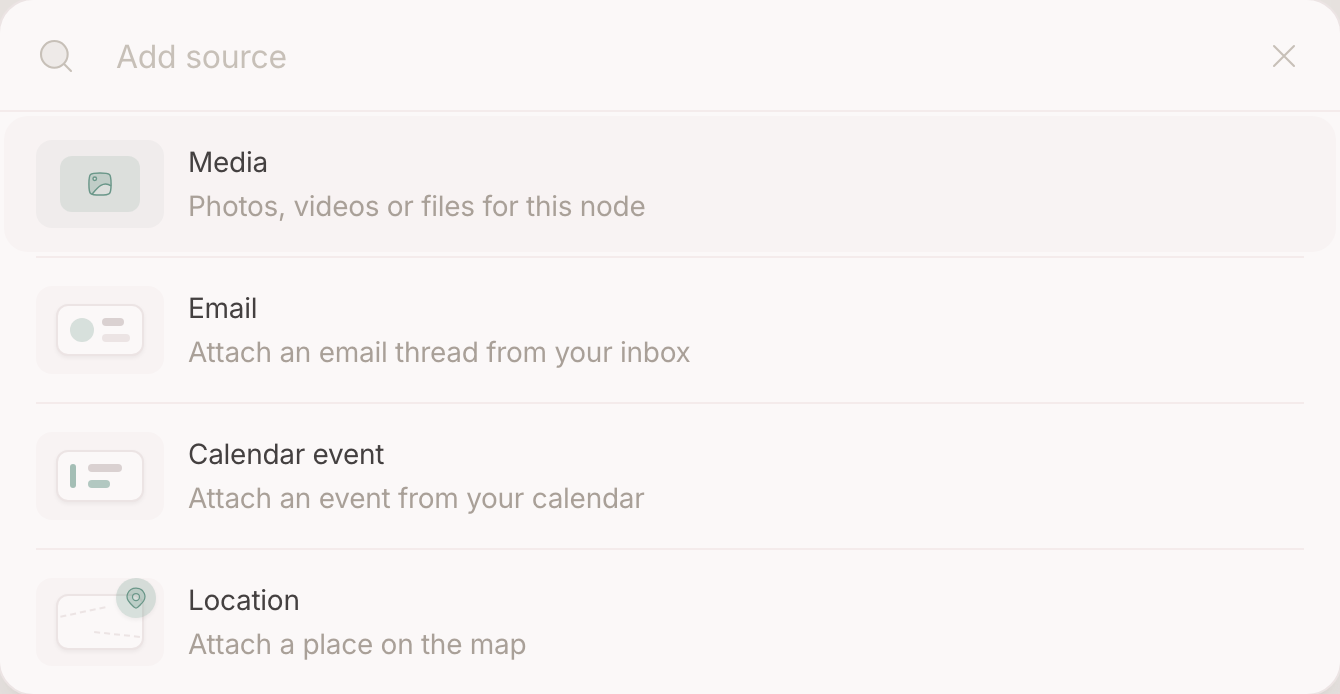
Open one
Media opens on its own page, where an image or a video plays in a lightbox. Everything else opens in place on the node, so you keep your seat.
Hang it on more than one node
A file can hang on more than one node, and unlinking one leaves the others standing. A photo that carries GPS brings its place along: attach it and the spot appears on your map, hanging on that node — move the photo to another node and the pin moves with it.
Which node should it be?
A photo or a file is residue by definition: it is what came out of something. So the question is never whether it is worth keeping — it is what it is about .
- A photo hangs on what it is of: the result on the recipe, the whiteboard on the meeting, the tickets on the trip.
- A file hangs on the thing it belongs to: the quote on the job, the contract on the client, the manual on the appliance.
- A link is kept for what it is about, not for being a link: the review hangs on the restaurant, the article on the project it feeds.
The trap is filing by format. A node named "Photos 2025" or "Bookmarks" is a folder wearing a node's name, and it answers no question you will ever ask. What kind of item something is stays visible on the item itself — and the gallery already gives you everything you attached, in one place.
FAQ
What kinds are there?
Images, video, audio, documents and links. Each is previewed the way it is best read.
Does deleting a node delete its files?
The link goes. What happens to the file itself follows what you chose when deleting — media is not silently swept up.
Can I search inside a document?
Not today. What a file is about is what you write on the node it hangs on.